
How to Secure a League of Legends Account After Buying It
The first thing I do with any League of Legends account that is new to me is lock it down before I play a single game. A few minutes of setup decides whether the account is genuinely yours or still reachable by someone else, so it is worth doing carefully and in order.
Quick answer: how to secure a LoL account
- Change the password to a unique one you do not use anywhere else.
- Change the recovery email to an inbox only you control — this is the single most important step.
- Enable two-factor authentication (2FA) so a password alone is not enough to log in.
- Review active sessions and sign out everywhere else.
- Check the username and region and update them if you need to.
If you are buying an account, choose a seller that hands over the original email and full credentials so you can actually complete these steps. You can browse accounts that come with proper credentials rather than partial access. Note that Riot does not officially support account transfers, so securing the recovery details yourself matters even more.
Why does the recovery email matter most?
Because whoever controls the recovery email can reset the password and take the account back. Changing the password alone is not enough if the original email still has reset access. Move the account onto your own email first, then everything else you do actually sticks.
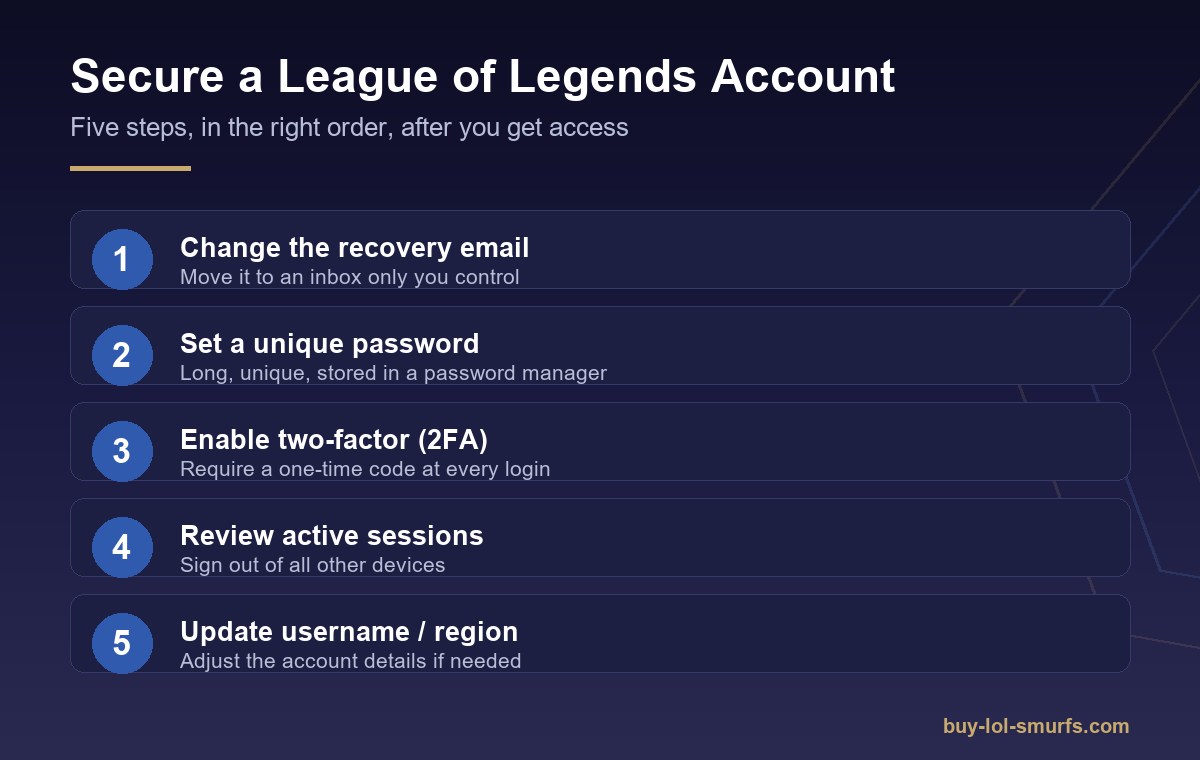
What is the right order to secure the account?
Work from the recovery email outward, so each step closes a door the previous one opened.
- Recovery email — set it to an inbox only you can open, and confirm the change.
- Password — pick a long, unique password and save it in a password manager.
- Two-factor authentication — turn on 2FA in Riot account settings (email or an authenticator app).
- Active sessions — sign out of all other devices so old logins are cut off.
- Account details — update the username or region if the account needs it.
How do I turn on two-factor authentication?
You enable 2FA from your Riot account security settings, where you can require a one-time code at login in addition to your password. With it on, someone who somehow learns the password still cannot sign in without the second code, which closes the most common takeover route.
What should I avoid after securing the account?
Avoid reusing an old password, leaving the previous owner’s email attached, or sharing login details over chat. Treat the credentials like any other account you own, and do not assume an account is private until you have personally changed both the email and the password.
FAQ
Can I change the email on a League account myself?
Yes. You change it in your Riot account settings, and you should confirm the change from the new inbox.
Is buying a League of Legends account allowed by Riot?
No. Riot’s Terms of Service do not permit account buying, selling, or sharing, so understand that risk before purchasing.
Does enabling 2FA stop all takeovers?
It strongly reduces the most common ones, but no single setting removes every risk. Combine a unique password, your own recovery email, and 2FA.
What if the seller will not give me the original email?
Then you cannot fully secure the account, because the email holds reset access. Prefer sellers that provide full credentials.
Should I change the username right away?
It is optional. Securing the email, password, and 2FA matters far more than the display name.